Check the console first
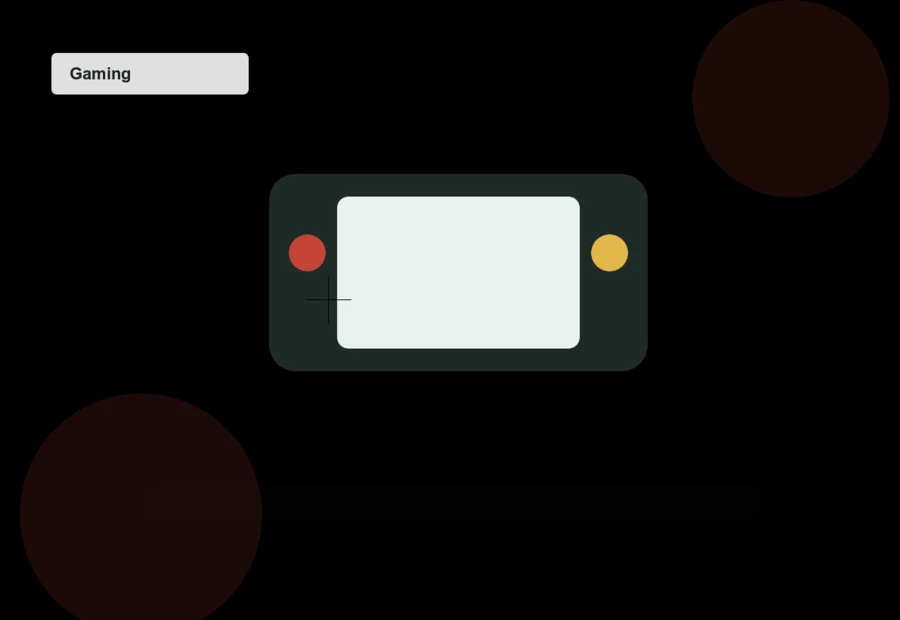
Ask for photos of the screen off and on. Scratches are often invisible in gameplay photos. Confirm the kickstand, game card slot, microSD slot, speakers, and charging port all work.
A docked-only console is riskier than it sounds. If handheld mode, charging, or Joy-Con rails are not tested, you are accepting a repair gamble.
Joy-Con drift and controllers
Joy-Con drift is common enough that every used listing should be treated as untested until proven otherwise. Ask the seller to open controller calibration and show the sticks centered.
Extra controllers add value only if they are first-party, working, and not heavily worn. Third-party controllers can be fine, but they should not inflate the price much.
Bundles and accounts
Physical games have resale value; downloaded games usually do not transfer cleanly. Do not pay extra for digital games tied to someone else's account.
The console should be factory reset before handoff. If a listing includes an account, treat that as a warning instead of a bonus.
Listing checklist
- Joy-Con sticks shown in calibration
- Dock and charger included or priced out
- No paid value assigned to seller account
- Screen photos taken with display off
- Physical games listed by title
As an eBay Partner, Daily Used Finds may earn from qualifying purchases made through clearly labeled links on this page.
Marketplace checks for this guide
Use these links after applying the checklist above. Compare condition, seller evidence, shipping, and return policy before buying.